
Google AI Edge Eloquent Is the Transcription App I've Been Waiting For
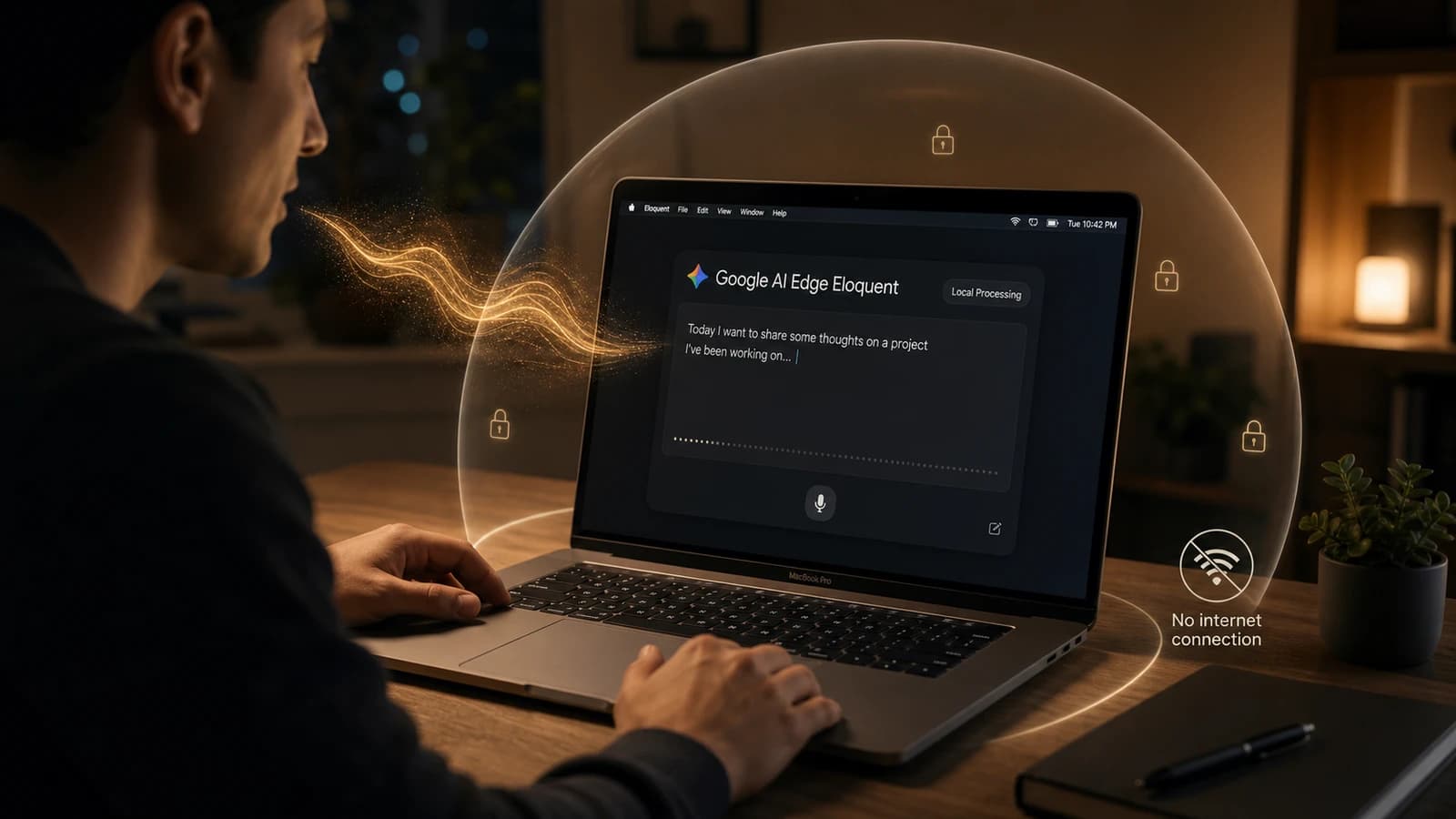
Google AI Edge Eloquent is a free offline transcription app from Google that changes the privacy equation for voice dictation.
I've been using paid transcription tools for a while now. Most of them work fine - until you think about what they're actually doing with your voice data.
Every time you dictate something into one of these apps, your audio is being sent to a server somewhere. For short personal notes, maybe that's fine. For strategy notes, legal or financial thoughts, hiring feedback, or anything sensitive? That's a problem.
Google just released something that changes the equation entirely.
What Is Google AI Edge Eloquent?
Google AI Edge Eloquent is a free transcription app from Google, available on both iOS and Mac. It transcribes your speech in real time, polishes the output - stripping filler words, cleaning up broken sentences - and does all of this completely offline.
No cloud. No server uploads. No subscription.
It's powered by Gemma-based automatic speech recognition models. Once downloaded, the models run locally on the device to enable dictation without a server connection. The app provides live transcription while speaking and refines the output when you pause - removing filler words and adjusting sentences based on intended meaning rather than producing verbatim transcripts.
The iOS Problem I Never Found a Solution For
I use Whisper on my Mac regularly. It works well, and the subscription is honestly reasonable for what it does.
But I never installed it on my iPhone.
The iOS version requires keyboard permission to function - and giving any app keyboard access on your phone is a different level of trust than installing it on a desktop. iOS blocks third-party keyboards from secure password fields, but a keyboard can still interact with ordinary text fields and surrounding text context. Your phone has your personal chats, banking apps, private notes, and sensitive conversations. I wasn't comfortable handing that much typing surface area to another app.
I wasn't comfortable with that trade-off, so I just didn't use it on mobile.
SuperWhisper has the same issue - powerful app, but it sends your data to the cloud, and the iOS version has the same keyboard permission dependency.
Eloquent's iOS app sidesteps this entirely. It processes everything on-device, no keyboard permission required, no audio leaving your phone. That's the version of mobile transcription I actually want to use.
⚠️ One Setting You Need to Turn Off on iOS
Before you get too comfortable with the iOS app, there's something you should know.
Users can choose between on-device processing (offline) and optional cloud-based refinement using Gemini models for additional text cleanup. That toggle is on by default.
Look for the toggle in the top right corner of the app and switch it off. Once it's off, everything stays local - which is the whole point of using this app in the first place.
The Mac app doesn't have this issue - the macOS desktop version runs 100% on-device across the entire feature set, ensuring a powerful, fully offline experience.
Turn the iOS toggle off. Keep it off.
What It Can Do
✔ Real-time transcription - Fast, accurate, low latency even alongside heavy workloads
✔ AI text cleanup - Removes "ums," "uhs," and half-finished sentences automatically
✔ Voice commands (Mac) - A Voice Edit feature lets you edit highlighted text with voice commands, making it easy to rewrite, summarize, or translate content without touching the keyboard
✔ System-wide on Mac - Using a convenient, customizable hotkey, Eloquent enables you to use voice dictation across any application on your Mac
✔ iOS app - Mobile transcription without keyboard permissions or cloud uploads
✔ Hinglish works - I was speaking in a natural mix of Hindi and English on the iOS app, and it transcribed everything cleanly into English. Better than I expected.
✔ Completely private - Your voice data never leaves your device, as long as you turn off the Gemini polish toggle on iOS
The Limitations (Being Honest)
It's not perfect yet.
English-first - At launch, the app is only available in English, but more languages are on the way. That said, it handled Hinglish (Hindi-English code-switching) surprisingly well in my testing, so the English model is more flexible than it sounds.
The Gemini toggle is on by default on iOS - A privacy-first app shouldn't be sending data to the cloud out of the box. Easy fix, but you have to know to turn it off.
Optional Gmail vocabulary sync - Users who sign in with a Google Account can allow Eloquent to import frequently used words from their recently sent Gmail messages. This is optional and off by default, but worth knowing about if you're privacy-conscious.
Who Should Be Using This
If you're a creator, developer, or anyone who spends a lot of time writing instructions, notes, prompts, or long-form thoughts, I strongly recommend getting comfortable with voice-to-text. Personally, it has increased my productivity and saved me a lot of time - especially now that so much of our day is spent giving instructions to different AI models.
The comparison is straightforward. Whisper and SuperWhisper are good apps with reasonable pricing - but they send your data to the cloud, and on iOS, they ask for keyboard access. Eloquent does the same job without either of those compromises, and it's free.
Just remember to turn off that Gemini toggle on iOS.
The Bigger Picture
Eloquent is one more signal that local AI is becoming genuinely capable. Local AI models continue to attract attention because they offer greater privacy, offline access, and faster performance on capable hardware. Since processing happens on the device itself, conversations and data do not need to leave the computer.
The shift toward private, local AI processing is happening faster than most people expected. Eloquent is a good early example of what that looks like in a polished, free app.
Try it. It's free, it's fast, and your data stays yours - once you flip that toggle.
Senior PM and UX Expert with 9 years of experience shipping products across fintech, ed-tech, ecommerce, and government sectors. Leads UX and development at YAMU Media and runs MediaMen Services.
Get in touch →